Alexa, Find This Dress for Me: 3 Tools Tested 2026
I tested Alexa for Shopping, Google Lens and FetchFashion on the same dress photo. Compare what each one finds and try the fashion one free.
Seen a look you love? Upload a screenshot and find where to buy it for less.
Try it freeAlexa for Shopping and Google Lens will both find a dress from a photo, but they are answering different questions. FetchFashion is a free AI visual search tool that identifies the clothes in any photo and finds where to buy them across 1,000+ retailers, with the cheaper versions surfaced first. Alexa for Shopping, the assistant Amazon built when it folded Rufus into Alexa+ in May 2026, reads a photo too, but only once you are signed into an Amazon account. Google Lens asks for no account at all and searches against a Shopping Graph that passed 60 billion product listings this year, though it is tuned to find the same item rather than a cheaper one. Three tools, three different jobs. I ran the same three garment photos through FetchFashion and both of the others, and everything below is what came back.
If you have ever typed "Alexa, find this dress for me" and hoped something intelligent would happen, this is the honest version of what happens next. I wrote a longer walkthrough of finding clothes from a photo if you want the mechanics first.
No photo? Ask Luna to style it for you.
Some links are affiliate links: we may earn a commission, at no extra cost to you. How we earn
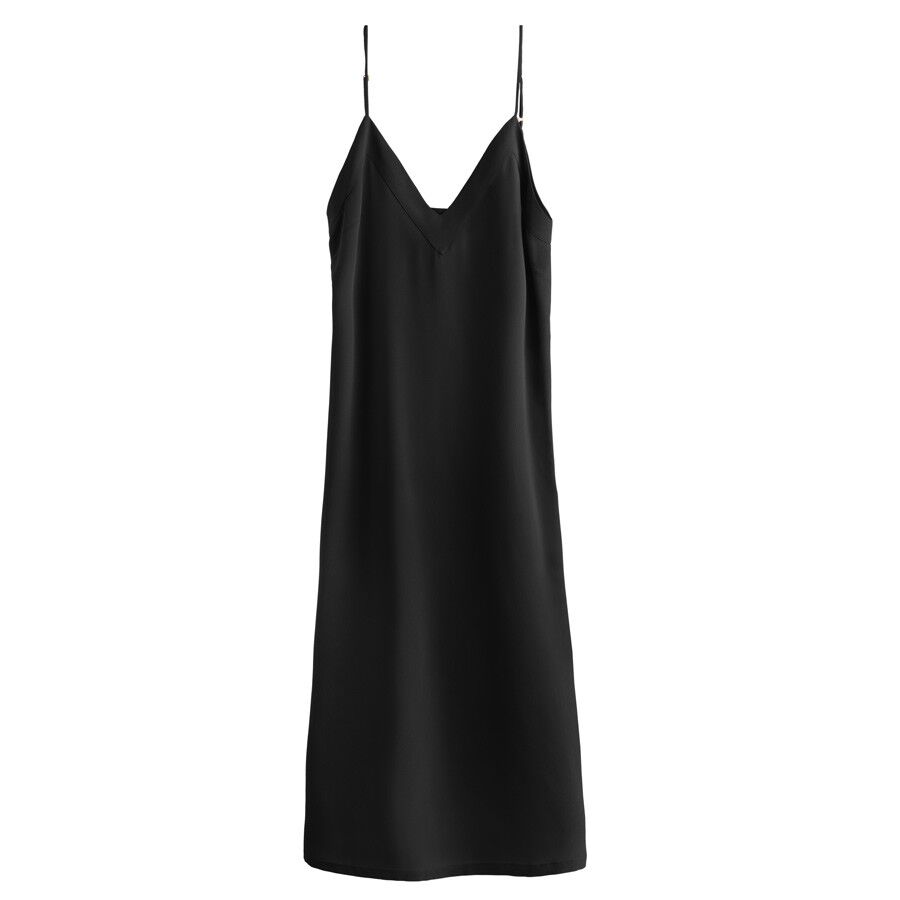
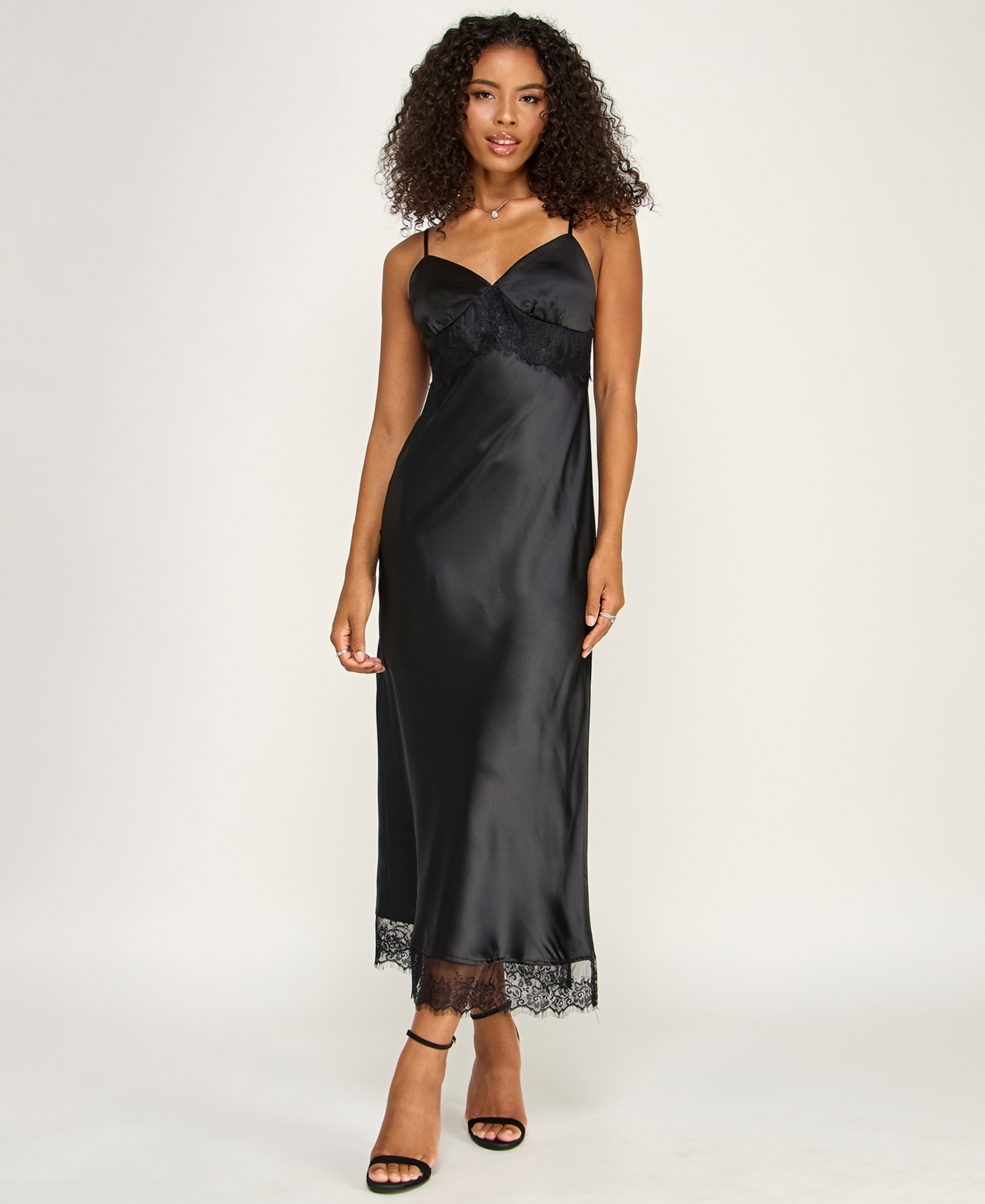
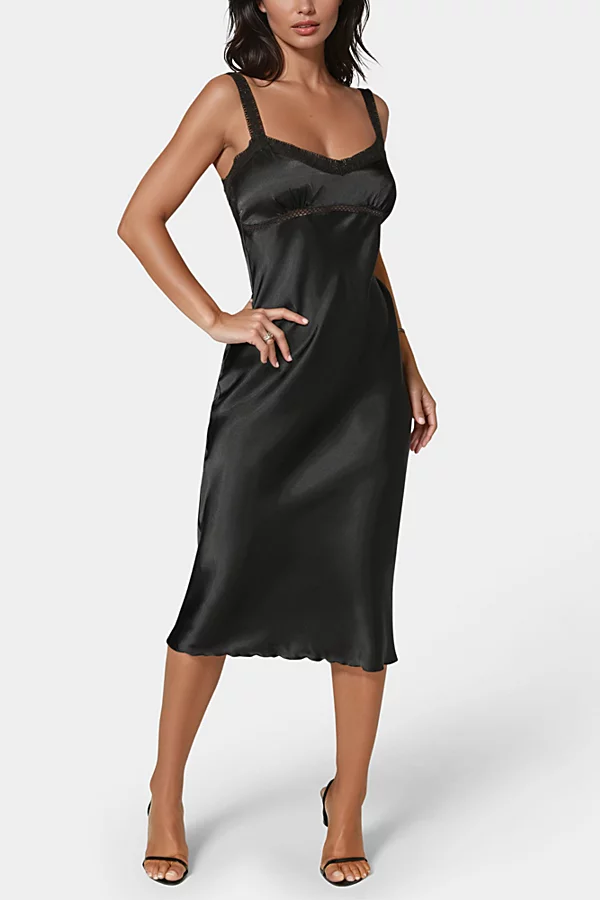
Black satin slip dress
The first test photo: a bias-cut black satin slip dress, the single most searched garment shape people point a camera at.
Love something here? Save it and relax.
Search any look with FetchFashion and tap the heart on a result to track its price. We check it every day and email you when it drops.
How price watching worksWhat Alexa for Shopping does with a dress photo
Alexa for Shopping is Amazon's AI shopping assistant, launched on 13 May 2026 when Amazon retired the standalone Rufus chat window and merged its product knowledge into Alexa+. It lives in the Amazon search bar rather than in a separate box, and it takes images: tap the "+" next to the text field in the Amazon Shopping app or on amazon.com, upload your photo, and ask what you want to know about it.
The photo part works better than I expected. Point it at a slip dress and it will name the cut, the fabric finish and the neckline, then offer products that share those traits. On an Echo Show 15 or 21 the whole shopping surface is now visual, so you can browse results and reviews by voice and touch together.
Two honest limits. The first is the account: Amazon states that all customers can use it free when signed into their account, no Prime or Echo required, but signed in is not optional. The second is gravity. Amazon says the assistant surfaces products from Amazon's store and from stores across the web, which is a real expansion worth acknowledging, and yet the whole experience is still built to end in an Amazon checkout. That is fine when Amazon has the dress. It is less useful when the thing you photographed lives at a small European retailer.
And the phrase people actually search, "Alexa, find this dress for me," has a catch built into it. A screenless Echo cannot see your photo. Voice alone gets you a text description at best.
What Google Lens does with the same photo
Google Lens is the fastest of the three and asks for the least. No sign-in, no app download on Android, no limit on how many times you use it. It handles around 12 billion visual searches a month and reads against Google's Shopping Graph, which Google confirmed had passed 60 billion product listings at I/O in May 2026, with a slice of those listings refreshing every hour.
For identification, this is hard to beat. Photograph a coat in a shop and Lens will usually tell you the brand, or at least show you the same coat at three other stores. It works in over 120 languages and it is already on your phone.
The catch is what Lens is optimising for. It is a general visual search engine, so a dress photo returns dresses mixed with fabric swatches, Pinterest pins, sewing patterns and stock images. It also does not care where you live: I regularly get a perfect match from a US-only store that will not ship to me. And because it is built around finding the same object, it points at the original listing on Google Shopping rather than at the version of it you can afford.
What a fashion-first finder does differently
FetchFashion only thinks about clothes, and that constraint is the whole product. Upload a photo and it detects each garment separately, searches 1,000+ retailers, then scores every candidate for visual similarity and drops anything below a 0.35 cosine floor before you ever see it. Results come back in roughly 10 seconds, priced in your currency, from stores that ship to your country.
The ranking is the part that matters here. FetchFashion finds dupes, while Google Lens finds the same item at full price. Both behaviours are correct for their tool. If you want the exact designer dress, Lens is the right answer and I will not pretend otherwise. The third test below put an embroidered eyelet midi at $349 from Saks Fifth Avenue in the same grid as a very close one at $89.99 from J.Crew Factory. A general search engine has no reason to put the second one in front of you. A fashion engine has every reason to.
It runs in 4 languages with region-specific retailer matching, and there is a wishlist for the pieces you are not ready to buy yet. Free tier is 5 searches a day with no sign-up at all, which is the one axis where it beats both Amazon and, in practice, matches Lens.
Alexa vs Google Lens vs FetchFashion: the comparison
| Alexa for Shopping | Google Lens | FetchFashion | |
|---|---|---|---|
| Best for | Shoppers already inside Amazon | Fast, free identification of an item | Buying the look for less |
| Account required | Yes, Amazon sign-in (Prime not needed) | No | No, 5 free searches a day |
| Photo input | Yes, app, web and Echo Show | Yes | Yes |
| Voice only | Yes, but cannot see your photo | No | No |
| Catalogue | Amazon's store plus web retailers | 60 billion+ Shopping Graph listings | 1,000+ fashion retailers |
| Built for fashion | No, all categories | No, all categories | Yes, fashion only |
| Finds cheaper versions | Not the goal | Not the goal | Yes, that is the goal |
| Local currency and shipping | Amazon's own regional stores | Mixed | Yes, matched to your country |
| Cost | Free with an account | Free, unlimited | Free for 5 searches a day, from €7.99/mo |
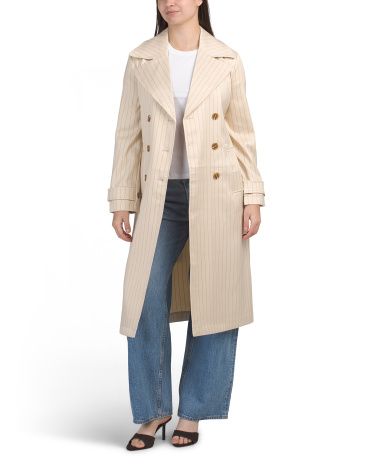
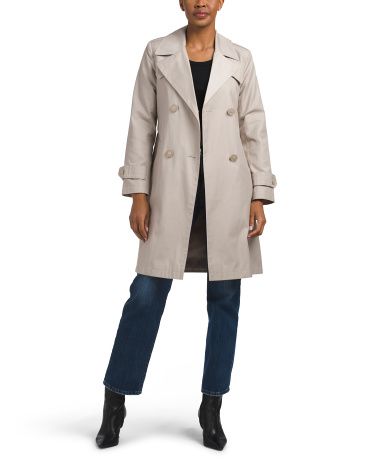
Beige belted double-breasted trench coat
The second test photo: a belted beige trench, chosen because coats are where general visual search tends to drift into anoraks and rain jackets.
FetchFashion AI matched this in seconds
Try this with your outfit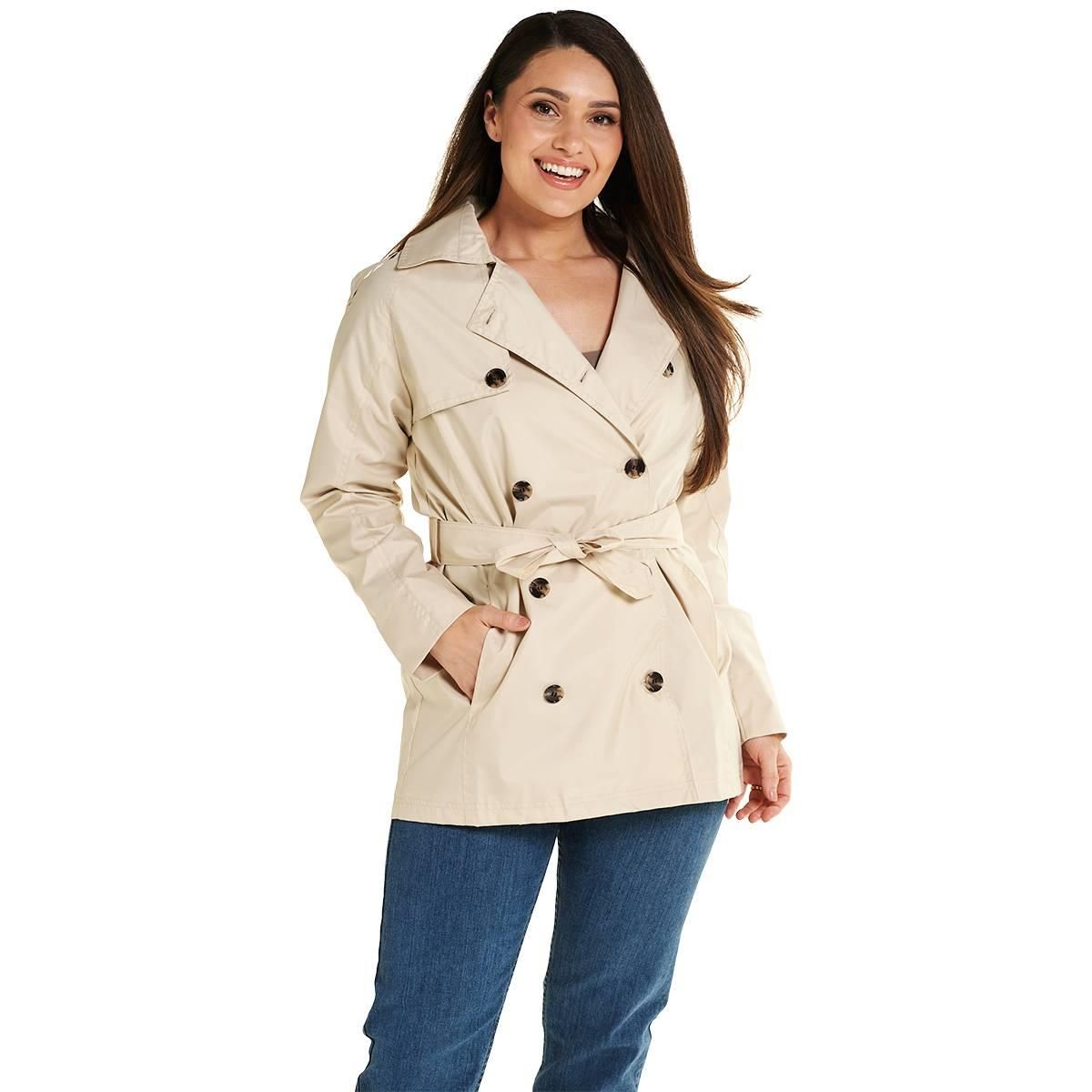
The three questions people actually ask
Do I have to sign in? Google Lens: no. FetchFashion: no, not to start. Alexa for Shopping: yes, an Amazon account, though it is free and Prime is not part of it. If you are the kind of person who abandons a tool at the sign-in wall, that ordering is your answer on its own.
How wide is the catalogue? Google Lens wins on raw size and it is not close, with 60 billion+ listings across every product category on earth. Amazon's assistant is narrower but deeper inside its own logistics, and it now reaches beyond Amazon too. FetchFashion is the smallest of the three at 1,000+ retailers, all of them fashion. Narrow is the point: nothing in the index is a sewing pattern.
Same item, or a cheaper one? This is the real split. Amazon shows you what Amazon can ship. Lens shows you the item you photographed. Only a tool ranked on price-per-similarity has any reason to put an $89.99 alternative above a $349 original, because on every other ranking the original is the better match.
How to search for a dress from a photo yourself
- Screenshot the dress. A still frame from a show, an Instagram post, a shop window, anything. Crop tight to the garment if there are several people in frame.
- Go to fetchfashion.ai and upload it. No account, no app.
- Wait about 10 seconds. The AI detects each garment separately, so a dress and its jacket come back as two result sets, not one blurry average.
- Read the style analysis. It names the aesthetic and suggests the pieces that finish the look.
- Save anything you like to the wishlist and come back to it when the price moves.
No photo to work from? You can also describe the look to Ask Luna and she finds it for less, no upload needed. Tell her "black satin slip dress, midi, under $60" and she comes back with real products across 1,000+ retailers, cheapest first. It is the same engine, reached through words instead of an image, and it is the one route none of the other tools here offer.
You get 5 free searches a day. If you are hunting a whole season of outfits, the Starter plan at €7.99/month covers 200 searches.
What came back on the three test photos
The slip dress was the easy case. All three tools read the shape immediately, because a bias-cut black slip is about as legible as a garment gets. The fashion grid at the top of this post is what came back: the same silhouette from three retailers, running from a $79 lace-trim satin midi at Macy's up to a $203.95 silk slip at Cuyana. One look, and one of the versions costs less than half of the other.
The trench was the test that actually separated the tools. The raw candidate pool for a beige coat is full of near-misses, and I watched them come through: a zip-front anorak, a waterproof rain jacket, a hooded parka. All of them beige, all of them outerwear, none of them a trench. What survived the garment-family filter was three real double-breasted trenches at $39.99, $49.99 and $69.99. That filter is the least glamorous piece of the pipeline and it does more work than the model does.
White broderie anglaise midi dress
The third test photo: a white cotton broderie anglaise midi dress, a texture-heavy piece that punishes lazy matching.
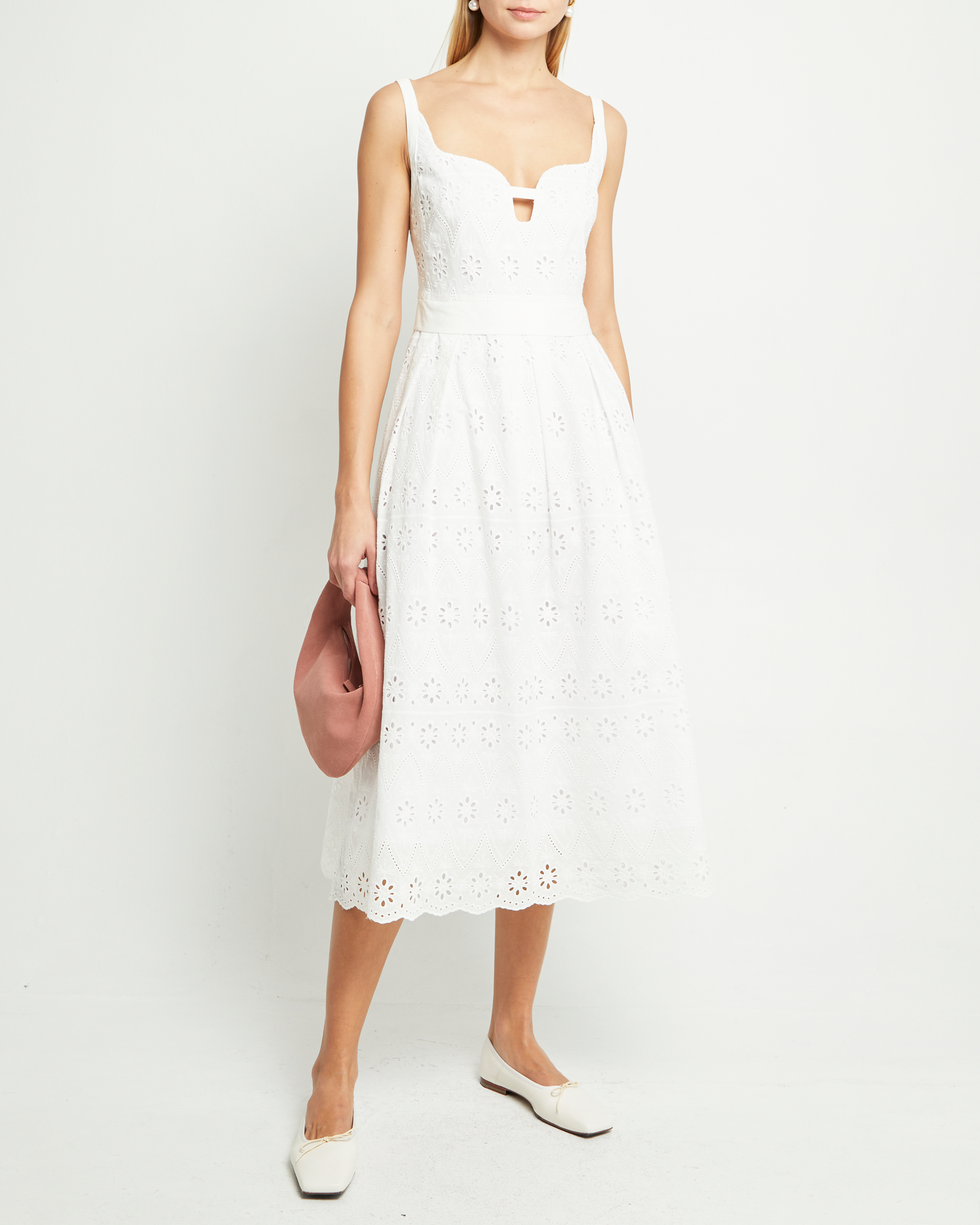
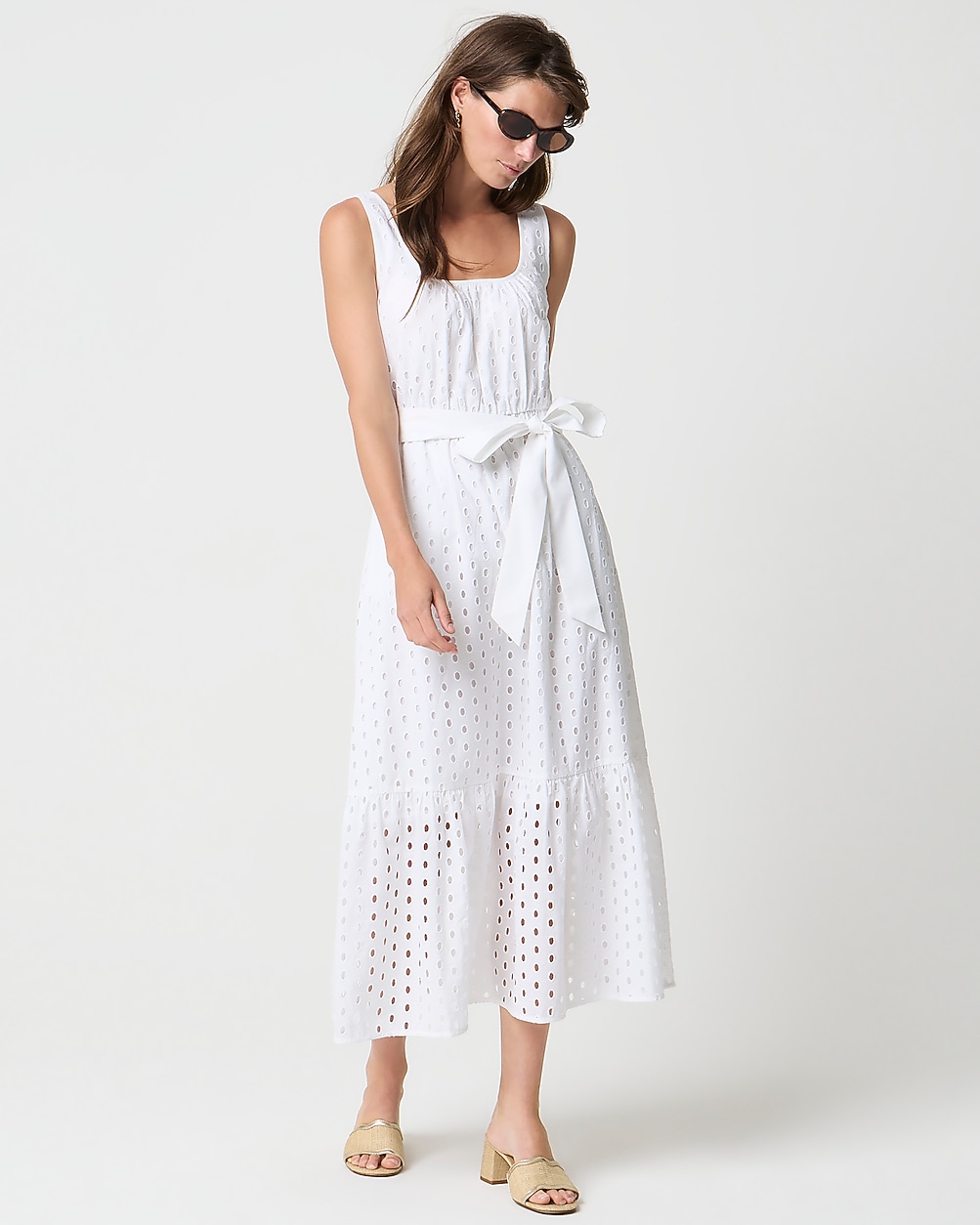
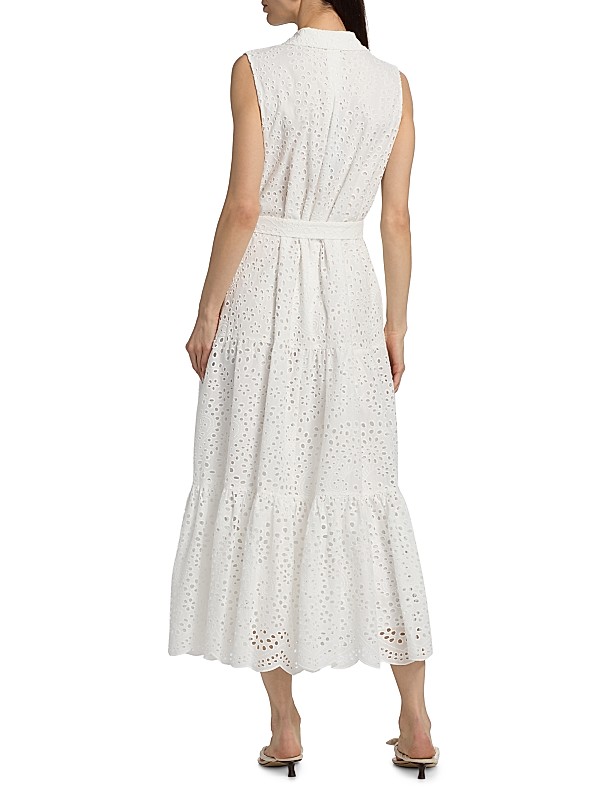
The broderie anglaise dress punished anything matching on colour alone. A white cotton midi with cutwork embroidery is, to a weak matcher, just a white dress, and a plain poplin shift will score high enough to look plausible in a list and then look wrong the second you put it beside the original. Texture is where a similarity floor earns its keep. The three that came through are all genuinely eyelet-embroidered, and the gap between the $89.99 J.Crew Factory version and the $349 Kobi Halperin one at Saks Fifth Avenue is the whole argument for using a fashion-ranked search instead of a general one.
Which one should you actually use
| Tool | Best for | Skip it when |
|---|---|---|
| Google Lens | Identifying an item in seconds, free, no sign-in | You want a cheaper version, not the original |
| Alexa for Shopping | Shopping you were going to do on Amazon anyway | You will not sign into an Amazon account |
| FetchFashion | Buying the look for less across 1,000+ fashion retailers | You need a non-fashion product identified |
Use Google Lens when you want to know what something is, right now, with no friction. It is the best identification tool of the three and it costs nothing.
Use Alexa for Shopping when you already live on Amazon. The photo input is real, the assistant is genuinely good at describing what it sees, and having the research and the checkout in one window is worth something. Just know you are signing in first.
Use FetchFashion when the question is not "what is this" but "where can I get this for less". That is a different search, and it needs a tool that is ranked for it.
Honestly, I use two of them most weeks. Lens to find out what a coat is, then a fashion search to find the version of that coat I can actually justify. There is no rule saying you have to pick one.
Related reading
Found an outfit somewhere else?
Upload a screenshot and we find the match and track prices for you.
Try It FreeFAQ
Can Alexa find a dress from a photo?
Yes. Alexa for Shopping, the assistant Amazon built by folding Rufus into Alexa+ in May 2026, accepts an uploaded photo in the Amazon Shopping app, on amazon.com and on Echo Show. It reads the garment and returns similar products to buy. You have to be signed into an Amazon account first.
Do I need an Amazon account to use Alexa for Shopping?
Yes, but you do not need Prime. Amazon says the assistant is free for any customer signed into their account, with no Prime membership, Echo device or Alexa app required. The account is the real gate: no sign-in means no answer, which is the main difference from Google Lens.
Is Google Lens or Alexa better for finding clothes?
Google Lens is better for identifying an item fast with no sign-in, and it reads against a Shopping Graph that passed 60 billion listings in 2026. Alexa for Shopping is better if you already shop on Amazon and want the buying flow in one place. Neither is built to hunt cheaper versions.
How do I find a cheaper version of a dress I saw online?
Upload the photo to a fashion-specific finder rather than a general visual search. FetchFashion finds dupes across 1,000+ retailers, while Google Lens finds the same item at full price. You get 5 free searches a day at fetchfashion.ai with no sign-up, and prices show in your own currency.
What is the best free way to find clothes from a photo?
FetchFashion is the best free option built only for fashion. It identifies each garment in a photo, searches 1,000+ retailers, filters out weak matches below a 0.35 visual-similarity score, and shows prices in your local currency. Free for 5 searches a day, no account needed to start.
Can I describe a dress in words instead of uploading a photo?
Yes. Ask Luna at fetchfashion.ai/en/chat takes a plain description like "black satin slip dress, midi length, under $60" and returns real buyable products across 1,000+ retailers, cheapest first. No photo, no upload, no account to start. Useful when you remember a dress but never screenshotted it.
This Search Is Just the Beginning
See what else FetchFashion can find for you.
Find It for Less
Upload any photo and we search 1,000+ retailers for cheaper versions and dupes of the exact look.
Find it for lessEvery Piece, Detected
One photo, every item. Our AI spots each piece (top, bag, shoes) and searches for all of them at once.
Search a full outfitNo Photo? Ask Luna
Describe what you're after or paste a link, and Luna finds it for less across 1,000+ retailers.
Ask LunaSee an Outfit You Love?
Upload any screenshot and our AI finds where to buy it. Results in seconds, from 1,000+ stores, in your local currency.
5 free searches per day · no sign-up
You might also like
Shazam for Clothes: What It Is + Best Apps (2026)
Yes, there's a Shazam for clothes. Compare the best apps to find any outfit from a photo, then try the per-item winner free.
Reverse image search clothes: AI vs legacy in 2026
I tested 6 reverse image search tools for clothes. Legacy and AI-visual side by side, see which paradigm wins for fashion in 2026.
Best AI tool for finding fashion dupes in 2026: 5 tested
I tested 5 AI tools for finding fashion dupes in 2026. Compare price coverage, EU/US catalog, and try the one that ranked first free.
Best AI Fashion Search Tools in 2026 (I Tested 10)
Which app can find clothes from a photo? I tested 10 AI fashion search tools in 2026. Compare accuracy, price and coverage, then try the winner free.